
TextArea(多行文本框)
TextArea 是一个多行文本输入控件,类似于标准 QML TextArea,但增加了自定义样式和功能。它支持多行文本输入,可以调整大小,并支持文本选择和编辑。
基本使用
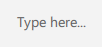
qml
TextArea {
    id: control
    width: 300
    height: 120
    placeholderText: qsTr("Type here...")
}
自定义样式
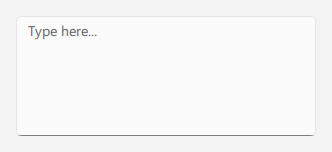
qml
TextArea {
    id: control
    width: 300
    height: 120
    placeholderText: qsTr("Type here...")
    primaryColor: "#3A86FF"
}
无边框模式
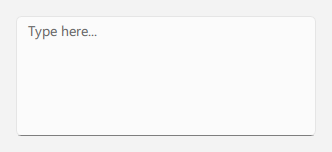
qml
TextArea {
    id: control
    width: 300
    height: 120
    placeholderText: qsTr("Type here...")
    frameless: true
}
只读模式
qml
TextArea {
    id: control
    width: 300
    height: 120
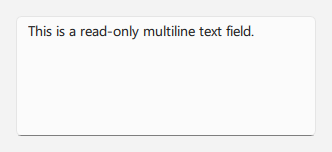
    text: qsTr("This is a read-only multiline text field.")
    editable: false
}
重要属性
text: 控件中显示的文本placeholderText: 当控件为空时显示的占位符文本editable: 是否允许用户编辑文本frameless: 是否显示边框primaryColor: 自定义主题颜色selectByMouse: 是否允许通过鼠标选择文本