
亚克力材质 (AcrylicBrush)
AcrylicBrush 是 RinUI 的应用内半透明材质,可把指定 sourceItem 的背景模糊并叠加色调。它适合用于面板、浮层等需要与背景融合的表面。此组件不等同于 Windows 系统级 Acrylic 窗口背景;它在应用内容区域内绘制。
基本用法
将 AcrylicBrush 设为表面的背景,并通过 sourceItem 指定需要采样的背景项。背景项应位于亚克力表面下方。
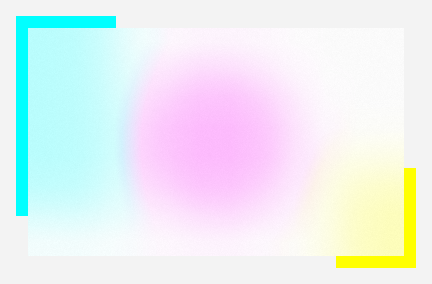
qml
Item {
    Rectangle {
        id: scene
        anchors.fill: parent
        color: "#247BA0"
    }

    Rectangle {
        anchors.centerIn: parent
        width: 320
        height: 180
        color: "transparent"

        AcrylicBrush {
            anchors.fill: parent
            sourceItem: scene
            tintColor: "#F3F3F3"
            tintOpacity: 0.72
        }
    }
}
调整模糊和色调
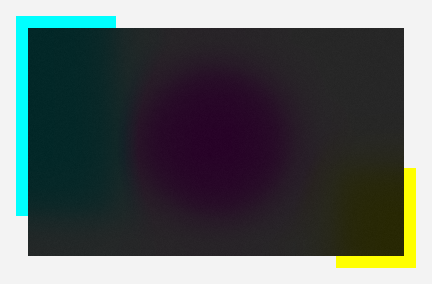
blur 控制模糊强度;tintColor 与 tintOpacity 控制覆盖色及其不透明度。具体效果会受到背景内容与主题影响,建议在目标布局中调整。
qml
AcrylicBrush {
    sourceItem: background
    blur: 72
    tintColor: "#86Cce8"
    tintOpacity: 0.85
}
亮度混合
需要控制材质的亮度混合时,可使用 tintLuminosityOpacity:
qml
AcrylicBrush {
    sourceItem: background
    tintColor: "#86Cce8"
    tintOpacity: 0.85
    tintLuminosityOpacity: 0.85
}
回退颜色与启用状态
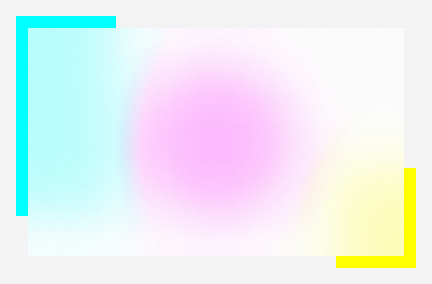
fallbackColor 用于材质无法采样或渲染时提供纯色回退;enabled 可在运行时启用或停用亚克力效果。
qml
AcrylicBrush {
    sourceItem: background
    fallbackColor: "darkgreen"
    enabled: true
}
主要属性
| 属性 | 说明 |
|---|---|
sourceItem | 被模糊采样的背景项。 |
blur | 背景模糊强度。 |
tintColor | 亚克力覆盖色。 |
tintOpacity | 覆盖色不透明度,范围通常为 0 到 1。 |
tintLuminosityOpacity | 亮度混合的不透明度。 |
fallbackColor | 效果不可用时的回退颜色。 |
enabled | 是否启用材质效果。 |
相关内容
- 主题系统:RinUI 主题颜色与外观设置。
- FluentWindow:窗口级背景效果与窗口管理。