
FluentPage(Fluent ページ)
FluentPage は RinUI の標準ページコンテナです。Qt Quick Page を基に、ページタイトル、スクロール、コンテンツ幅、余白、オプションのフッターを統一します。NavigationView のページルートとして使用するのに適しています。
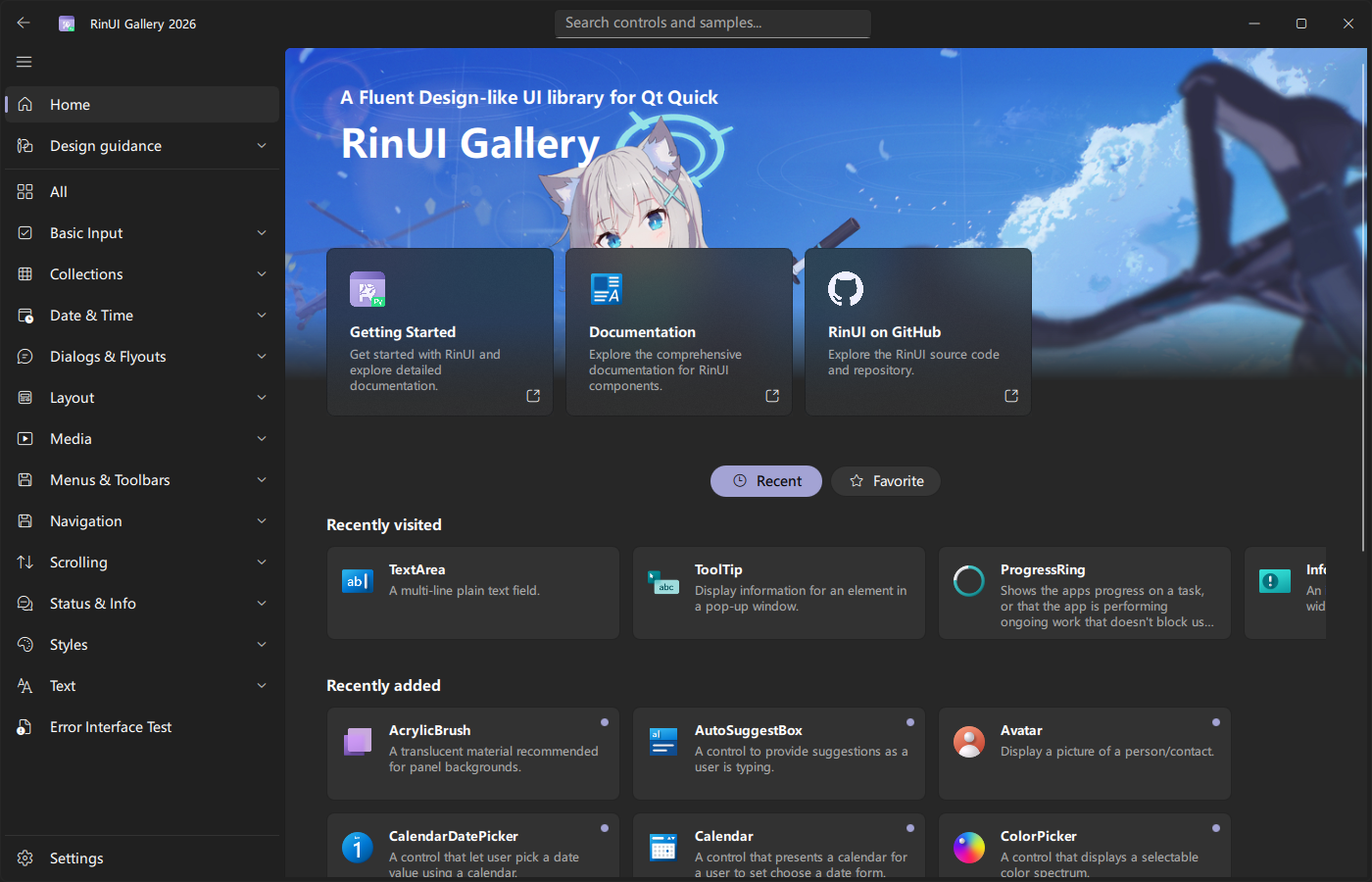
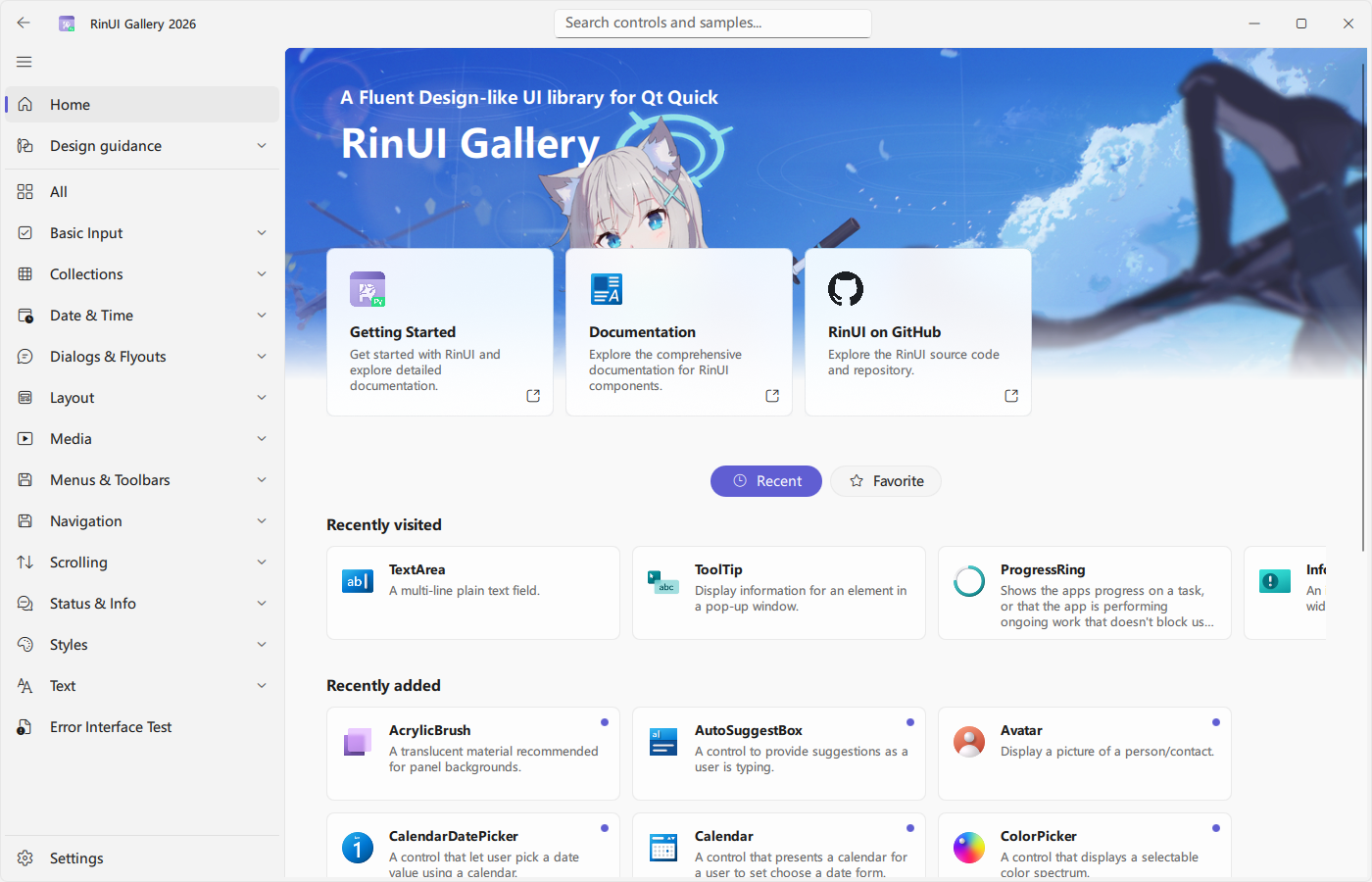
基本的なページ
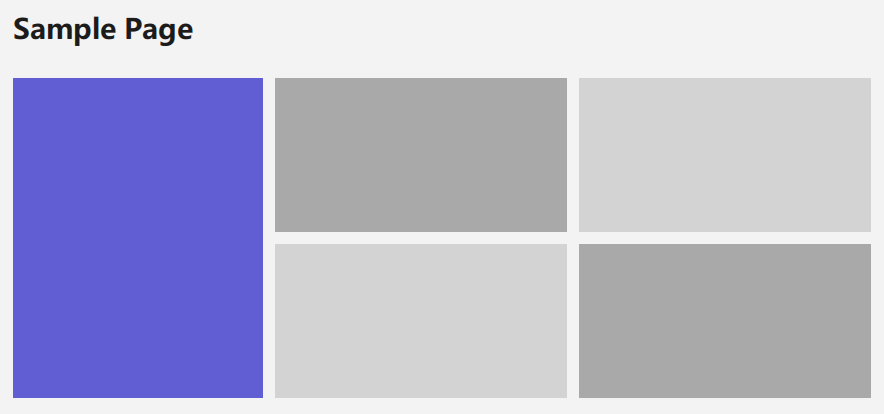
qml
import QtQuick
import QtQuick.Layouts
import RinUI

FluentPage {
    title: qsTr("設定")

    Text {
        Layout.fillWidth: true
        typography: Typography.Body
        text: qsTr("ここにページ内容を配置します。")
    }

    SettingCard {
        Layout.fillWidth: true
        title: qsTr("外観")
        description: qsTr("アプリのテーマを選択します。")
        content: ComboBox {
            model: ["自動", "ライト", "ダーク"]
        }
    }
}
ページ本文は内部の ColumnLayout に配置されるため、Layout.fillWidth: true などのレイアウト属性を直接使用できます。
ヘッダー
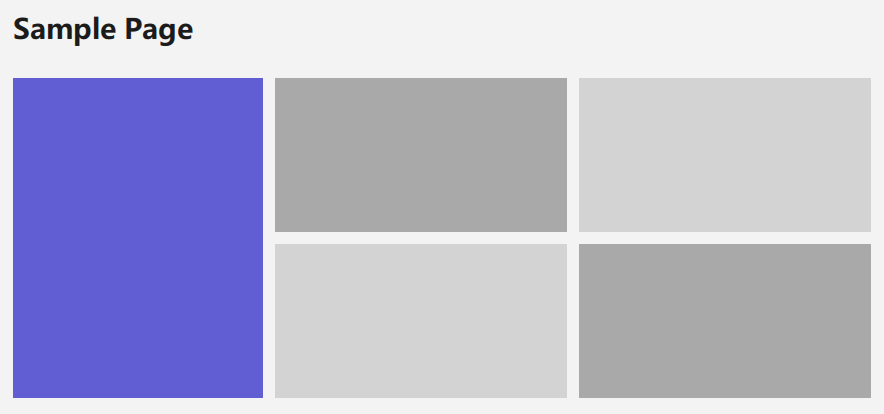
title を設定すると統一されたタイトル行が表示されます。extraHeaderItems はタイトル右側の追加操作、customHeader と contentHeader はヘッダー内容と本文上部の独立コンテンツに使用できます。
qml
FluentPage {
    title: qsTr("アカウント")

    extraHeaderItems: Button {
        text: qsTr("保存")
    }

    contentHeader: Frame {
        width: parent.width
        height: 120

        Text {
            anchors.centerIn: parent
            text: qsTr("アカウント概要")
        }
    }
}
フッター
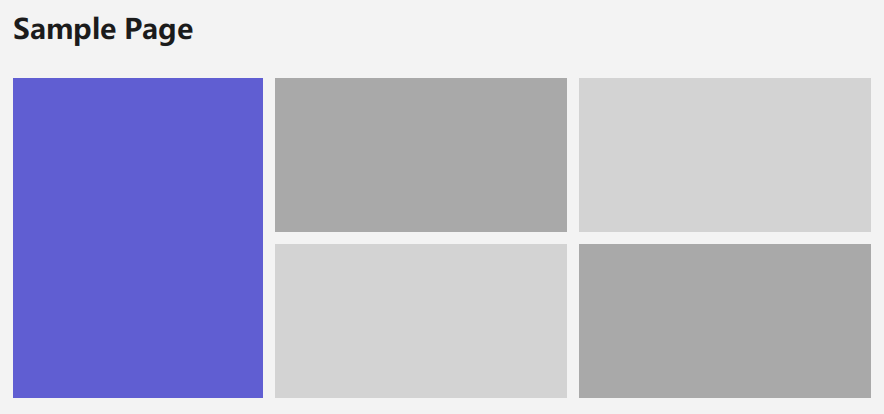
pageFooter は Qt Quick Page.footer に対応し、ページ下部に固定する操作領域に適しています:
qml
FluentPage {
    title: qsTr("編集")

    pageFooter: Frame {
        height: 56

        Row {
            anchors.right: parent.right
            anchors.verticalCenter: parent.verticalCenter
            spacing: 8

            Button { text: qsTr("キャンセル") }
            Button {
                highlighted: true
                text: qsTr("保存")
            }
        }
    }
}
一時的な通知やコンテキストメニューには pageFooter ではなく FloatLayer を使用してください。
コンテンツ幅と余白
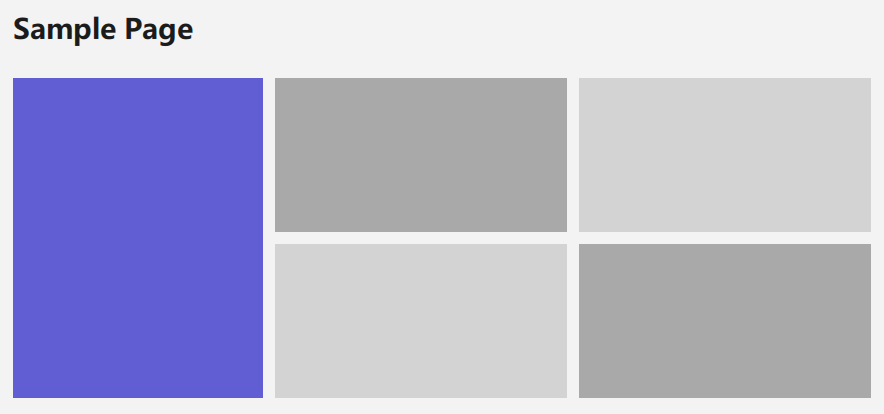
既定値は wrapperWidth: 1000、horizontalPadding: 56 です。contentSpacing は本文の列間隔、spacing はページ全体の間隔を制御します。狭いウィンドウでは余白を減らし、全幅コンテンツでは wrapperWidth を増やしてください。
qml
FluentPage {
    horizontalPadding: 24
    wrapperWidth: 1400
    contentSpacing: 18
}
## 主なプロパティ

| プロパティ | 既定値 | 説明 |
| --- | --- | --- |
| `title` | `""` | ページタイトル。空でない場合にタイトル行を表示。 |
| `content` | 既定プロパティ | メインコンテンツコンテナ。 |
| `contentHeader` | 空 | 本文上部のコンテンツ。 |
| `customHeader` | 空 | タイトル行内のカスタムコンテンツ。 |
| `extraHeaderItems` | 空 | タイトル行右側の追加操作。 |
| `pageFooter` | 空 | ページ下部領域。 |
| `wrapperWidth` | `1000` | コンテンツの最大幅。 |
| `horizontalPadding` | `56` | 左右の余白。 |
| `contentSpacing` | 本文レイアウト値 | 本文項目間の間隔。 |

## スクロール

`FluentPage` には縦方向の `Flickable` とスクロールバーが含まれます。ページ全体を別の高さ無制限の `Flickable` で包むと二重スクロールになるため避けてください。

## 関連コンポーネント

- [FluentWindow](/ja/Windowing/FluentWindow):ページを表示するアプリケーションウィンドウ。
- [NavigationView](/ja/Navigation/NavigationView):ページ切り替えと履歴管理。
- [Frame](/ja/ListAndCollections/Frame):ページ内のグループコンテナ。