
FluentPage
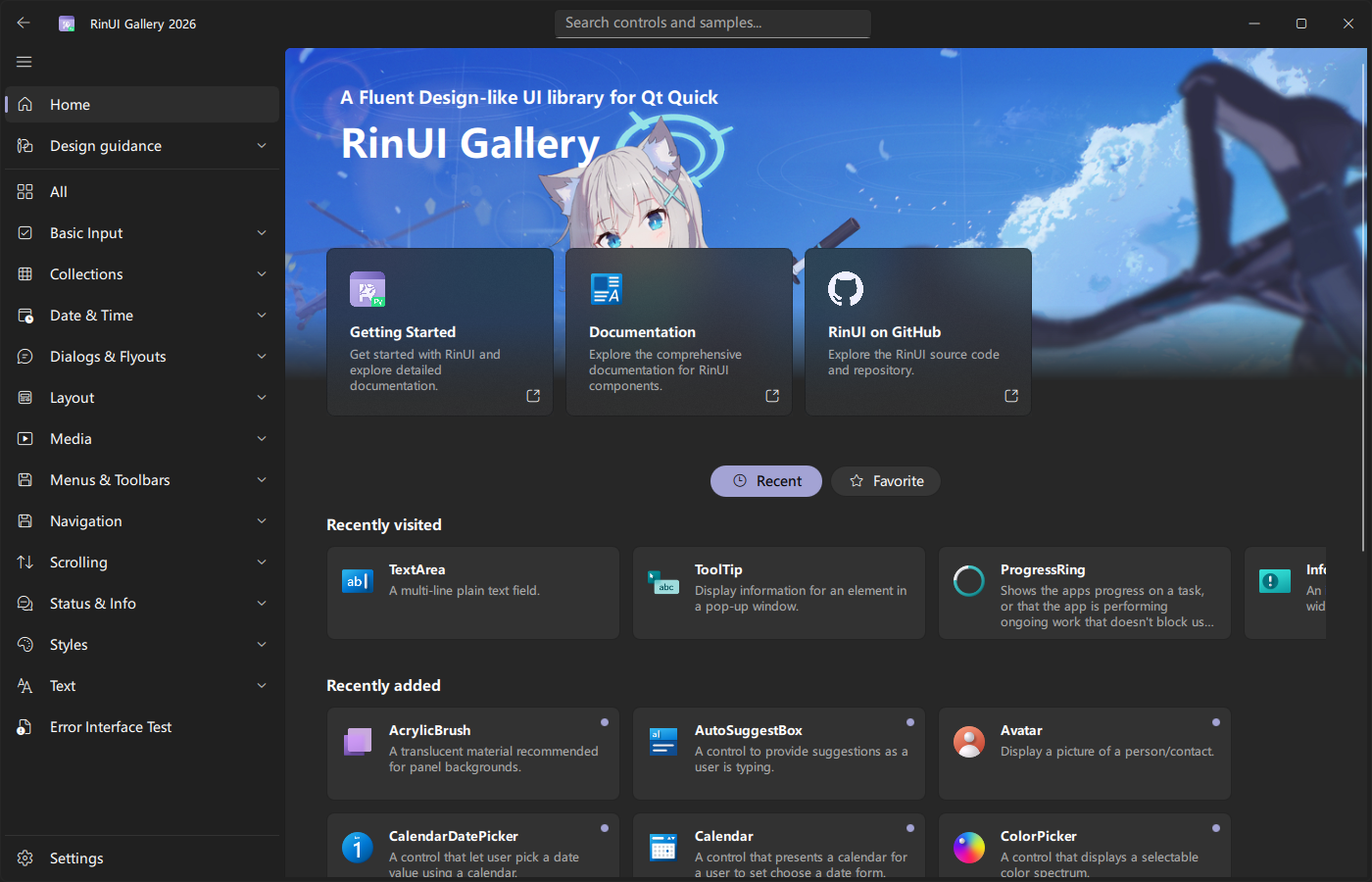
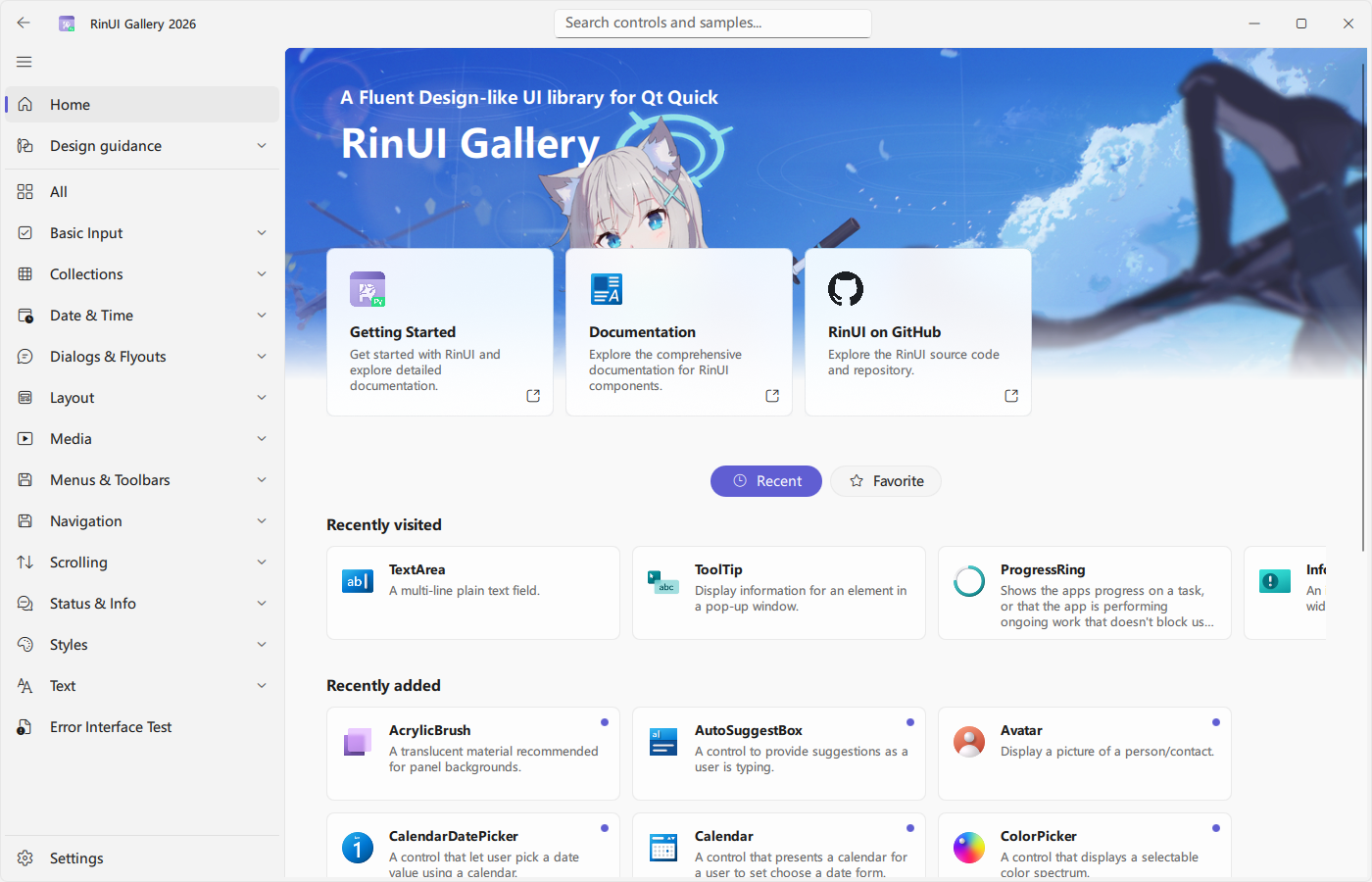
FluentPage is the standard content container in RinUI. It extends Qt Quick Page with consistent page titles, scrolling, content width, padding, and optional footers, making it suitable as the root of a NavigationView page.
Basic Page
import QtQuick
import QtQuick.Layouts
import RinUI

FluentPage {
    title: qsTr("Settings")

    Text {
        Layout.fillWidth: true
        typography: Typography.Body
        text: qsTr("Place page content here.")
    }

    SettingCard {
        Layout.fillWidth: true
        title: qsTr("Appearance")
        description: qsTr("Choose the application theme.")
        content: ComboBox {
            model: ["Auto", "Light", "Dark"]
        }
    }
}
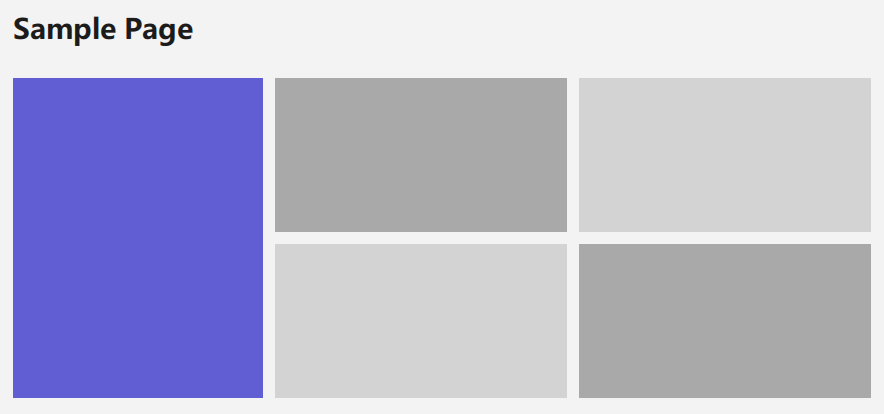
The page body is laid out in an internal ColumnLayout, so layout attached properties such as Layout.fillWidth: true work directly.
Header Content
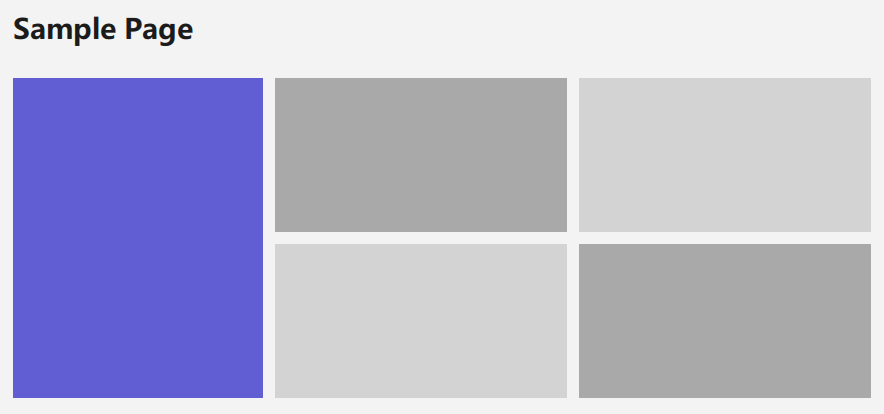
Setting title shows a consistent title row. extraHeaderItems places additional controls on the right side, while customHeader and contentHeader provide custom header content and content above the main body.
FluentPage {
    title: qsTr("Account")

    extraHeaderItems: Button {
        text: qsTr("Save")
    }

    contentHeader: Frame {
        width: parent.width
        height: 120

        Text {
            anchors.centerIn: parent
            text: qsTr("Account overview")
        }
    }
}
Footer
pageFooter maps to Qt Quick Page.footer and is useful for actions that stay at the bottom of the page:
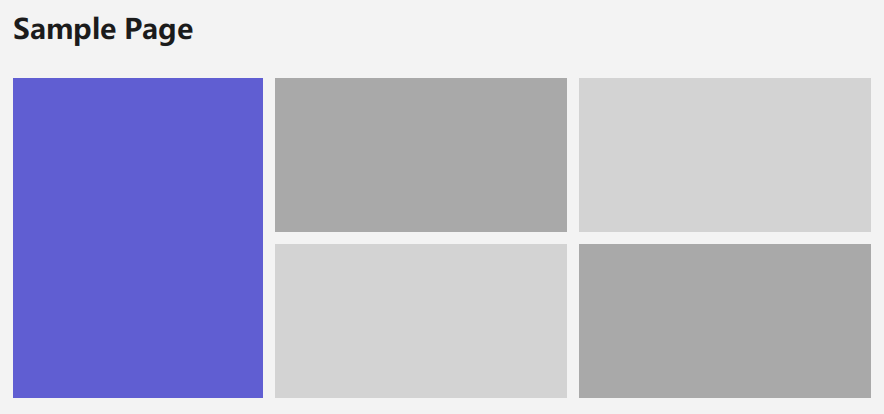
FluentPage {
    title: qsTr("Edit")

    pageFooter: Frame {
        height: 56

        Row {
            anchors.right: parent.right
            anchors.verticalCenter: parent.verticalCenter
            spacing: 8

            Button { text: qsTr("Cancel") }
            Button {
                highlighted: true
                text: qsTr("Save")
            }
        }
    }
}
A footer is not a replacement for a transient notification or popup. Use FloatLayer for temporary messages and contextual notices.
Content Width and Spacing
Pages default to wrapperWidth: 1000 and horizontalPadding: 56, constraining content to a readable width. contentSpacing controls the body column spacing, while spacing controls the page spacing.
Reduce the padding for narrow windows, or increase wrapperWidth for full-width content while keeping text lines readable:
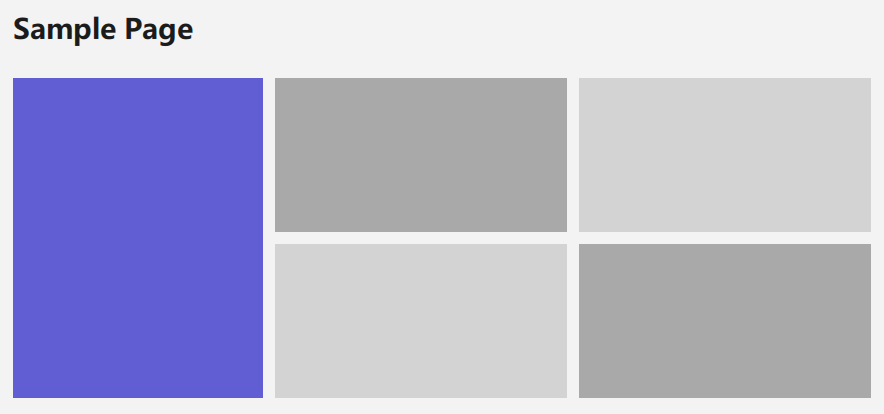
FluentPage {
    horizontalPadding: 24
    wrapperWidth: 1400
    contentSpacing: 18
}
## Key Properties

| Property | Default | Description |
| --- | --- | --- |
| `title` | `""` | Page title; the title row appears when non-empty. |
| `content` | default property | Main content container. |
| `contentHeader` | empty | Content shown above the main body. |
| `customHeader` | empty | Custom content inside the title row. |
| `extraHeaderItems` | empty | Additional controls on the right of the title row. |
| `pageFooter` | empty | Footer area. |
| `radius` | theme window radius | Page corner radius. |
| `wrapperWidth` | `1000` | Maximum content width. |
| `horizontalPadding` | `56` | Horizontal page padding. |
| `spacing` | `14` | Page spacing. |
| `contentSpacing` | body layout value | Spacing between content items. |

## Scrolling

`FluentPage` includes a vertical `Flickable` and scroll bar. Do not wrap the entire page in another unconstrained `Flickable`, which can produce nested scrolling. Let content take its normal height and allow `FluentPage` to handle long pages.

## Related Components

- [FluentWindow](/Windowing/FluentWindow): application window that hosts pages.
- [NavigationView](/Navigation/NavigationView): page switching and navigation history.
- [Frame](/ListAndCollections/Frame): grouping container for page content.