
FluentWindow
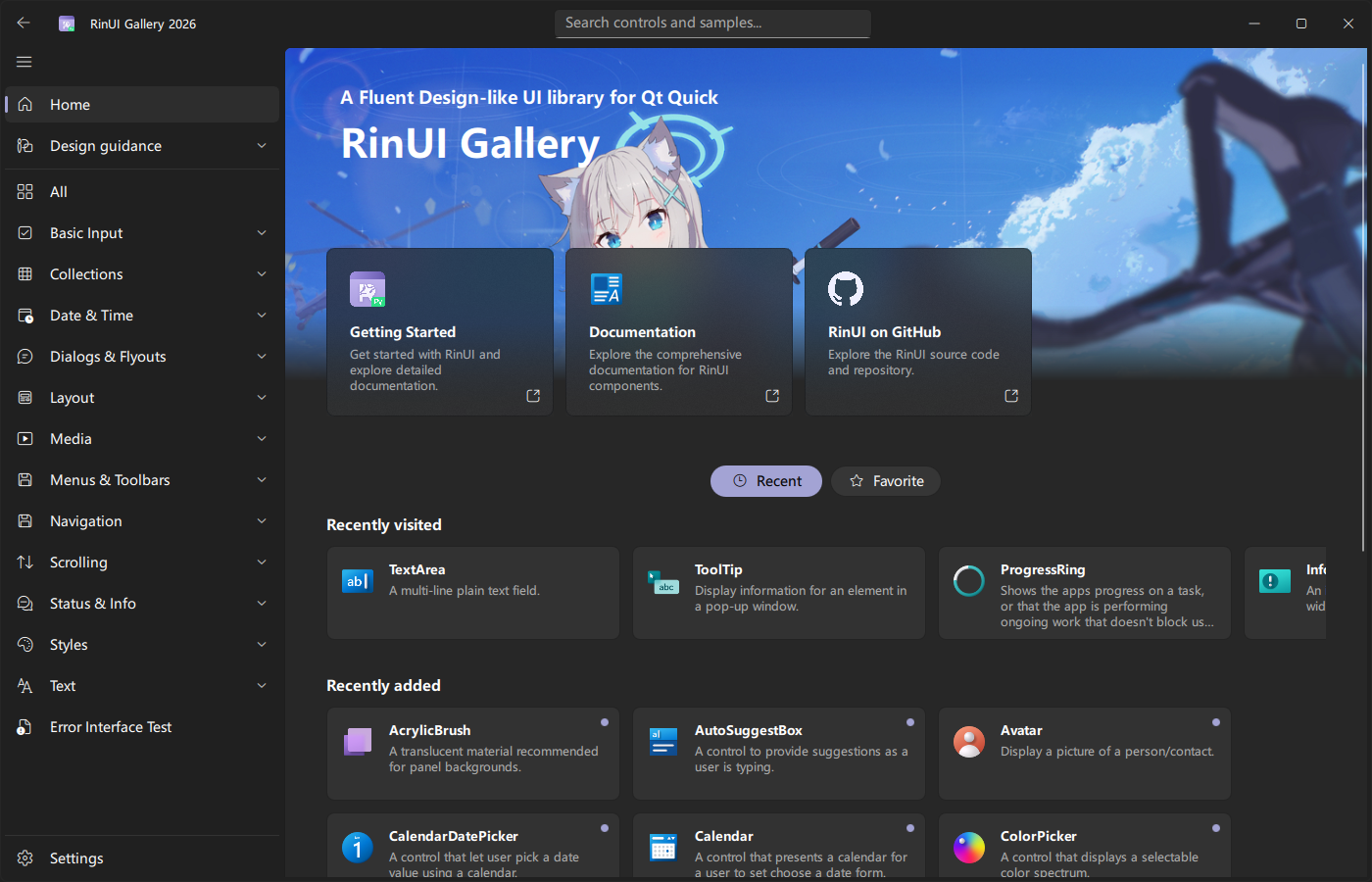
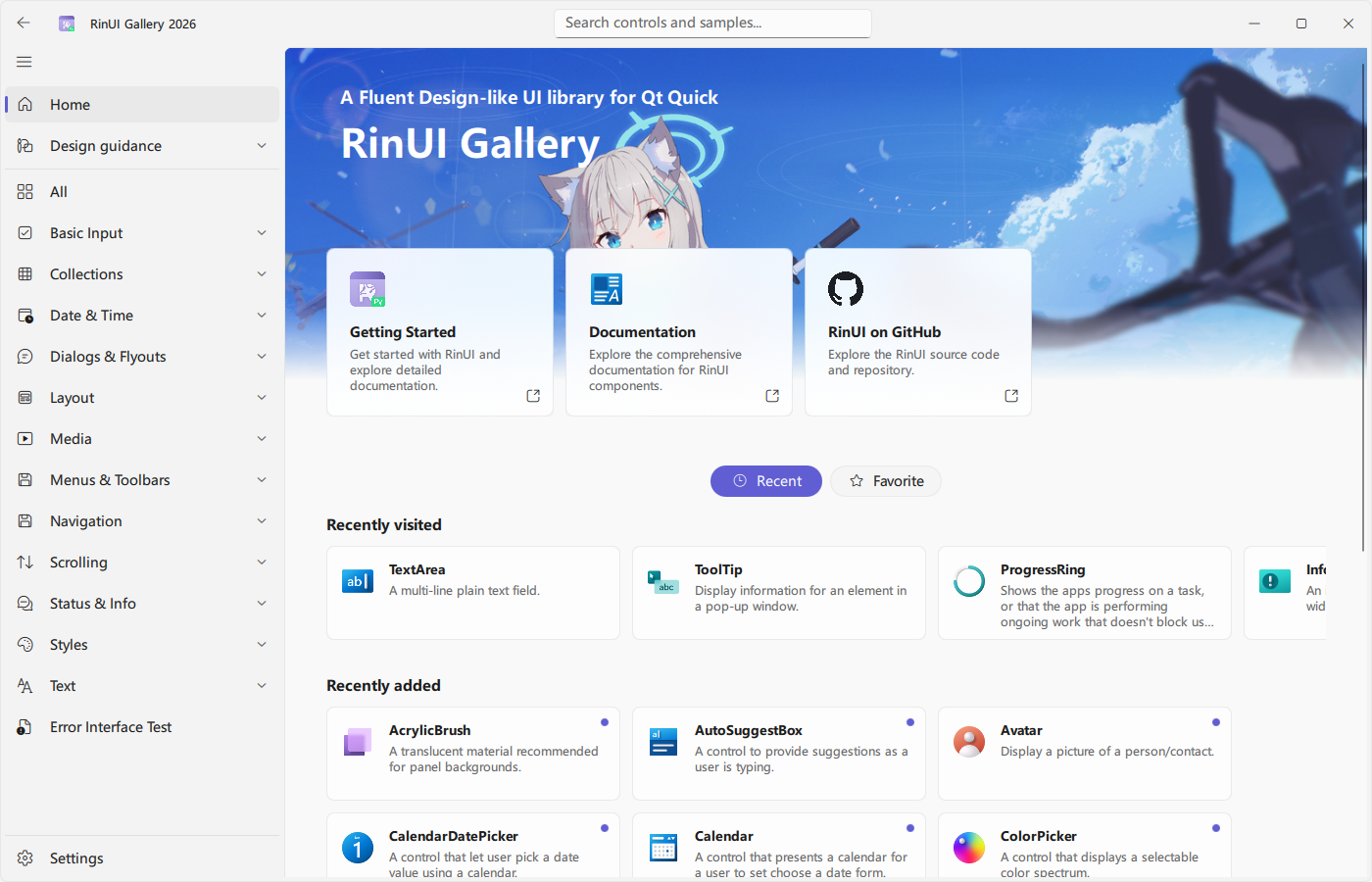
FluentWindow is the standard desktop window entry point in RinUI. It builds on FluentWindowBase for the title bar, window frame, and backdrop effects, and combines that with a NavigationView and page content area. In most applications, you only need to set the window size, navigationItems, and the pages themselves.
Basic Usage
import QtQuick
import RinUI

FluentWindow {
    visible: true
    width: 1100
    height: 720

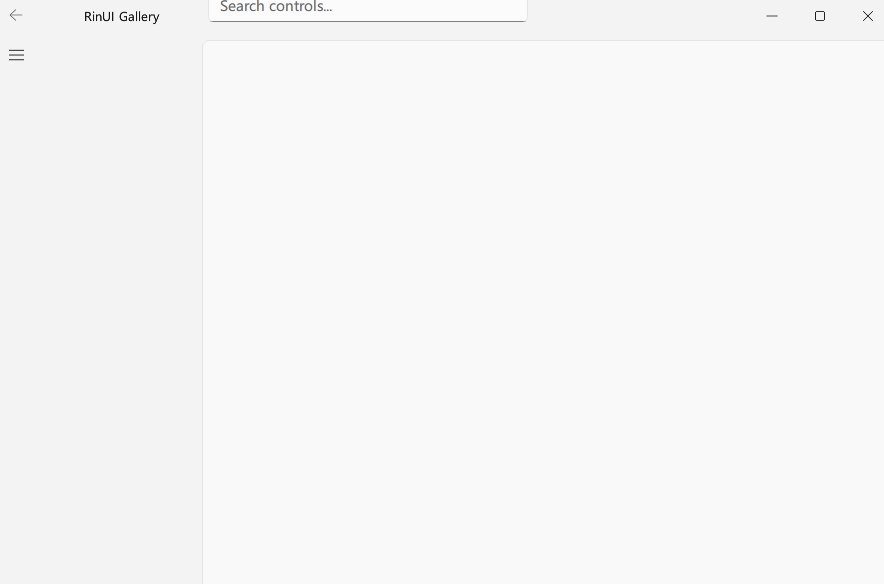
    navigationItems: [
        {
            title: qsTr("Home"),
            page: Qt.resolvedUrl("pages/Home.qml"),
            icon: "ic_fluent_home_20_regular"
        },
        {
            title: qsTr("Settings"),
            page: Qt.resolvedUrl("pages/Settings.qml"),
            icon: "ic_fluent_settings_20_regular",
            position: Position.Bottom
        }
    ]
}
When defaultPage is empty, NavigationView loads the first navigation item. Set defaultPage explicitly when a different start page is required.
Python Startup
QApplication must exist before creating RinUIWindow:
import sys

from PySide6.QtWidgets import QApplication
from RinUI import BackdropEffect, RinUIWindow, Theme

app = QApplication(sys.argv)
window = RinUIWindow("main.qml")

window.setIcon("assets/app-icon.png")
window.setTheme(Theme.Auto)
window.setBackdropEffect(BackdropEffect.Mica)

sys.exit(app.exec())
Backdrop effects are Windows-only. On other platforms, use BackdropEffect.None_; other values raise OSError.
Key Properties
| Property | Type | Description |
|---|---|---|
navigationView | NavigationView | The internal navigation container. |
navigationItems | var | Navigation items forwarded to NavigationView.navigationItems. |
currentPage | string | Current page identity, forwarded from the navigation container. |
defaultPage | string | Startup page. The first item is used when empty. |
appLayerEnabled | bool | Whether the content area uses the app-layer background. |
titleBarHeight | int | Title bar height; defaults to the current theme's windowTitleBarHeight. |
titleEnabled | bool | Whether the title text is shown. |
minimizeEnabled / maximizeEnabled / closeEnabled | bool | Whether each window action is enabled. |
minimizeVisible / maximizeVisible / closeVisible | bool | Whether each window button is visible. |
titleBarArea | Item | Center title bar area for search, status text, and similar content. |
The default property of FluentWindow is content, so direct child items go into the free content area. To make pages part of the navigation stack, declare them through navigationItems instead of stacking FluentPage instances as direct children.
Title Bar Content
FluentWindow {
    title: "RinUI Gallery"

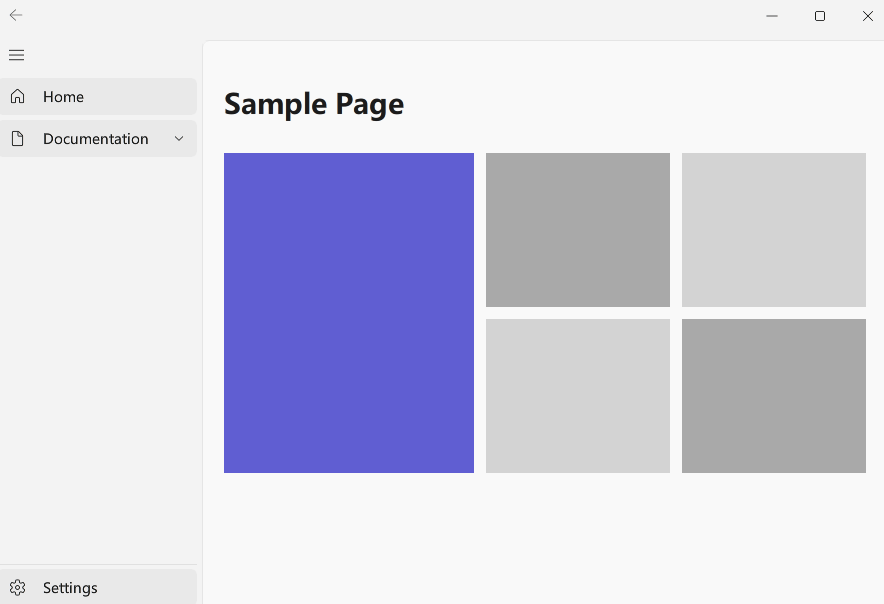
    titleBarArea: AutoSuggestBox {
        width: 320
        placeholderText: qsTr("Search controls...")
    }
}
`titleBarArea` sits in the center of the title bar. The leading icon, back button, and window buttons are provided by the navigation bar and `FluentWindowBase`.

## Window Appearance

`FluentWindowBase` handles the window background, corner radius, border, and theme changes. On Windows, RinUI can use Mica, Acrylic, Tabbed, or no backdrop; macOS uses native traffic-light buttons; other systems fall back to a normal window background.

See [Theme](/core/theme) for theme calls.

## Page Content

Navigation pages usually subclass `FluentPage`:

<div align="center">
  <img src="/assets/images/docs/FluentWindow/example.png" alt="Page Content">
</div>

```qml
// pages/Home.qml
import QtQuick
import RinUI

FluentPage {
    title: qsTr("Home")

    Text {
        Layout.fillWidth: true
        typography: Typography.Body
        text: qsTr("This is the home page.")
    }
}
Avoid adding another top-level NavigationView outside FluentWindow unless you intentionally need an embedded navigation region. A conventional application should let FluentWindow own the top-level navigation.
Related Components
- FluentPage: page content, headers, footers, and width constraints.
- NavigationView: page stack, navigation items, and navigation methods.